
VRChat VR
The universe's largest social virtual reality ecosystem: explore tens of thousands of community-crafted worlds, attend live concerts, play custom games, and express yourself with expressive full-body avatars.
 VR EDITION
What kind of game is VRChat?
VRChat represents the pinnacle of collaborative social computing in virtual reality. Built by millions of creators worldwide using Unity and the VRChat SDK, the platform hosts an endless variety of spaces: photorealistic ambient lofts, bustling nightclub dance floors, interactive murder mystery games, and space stations.
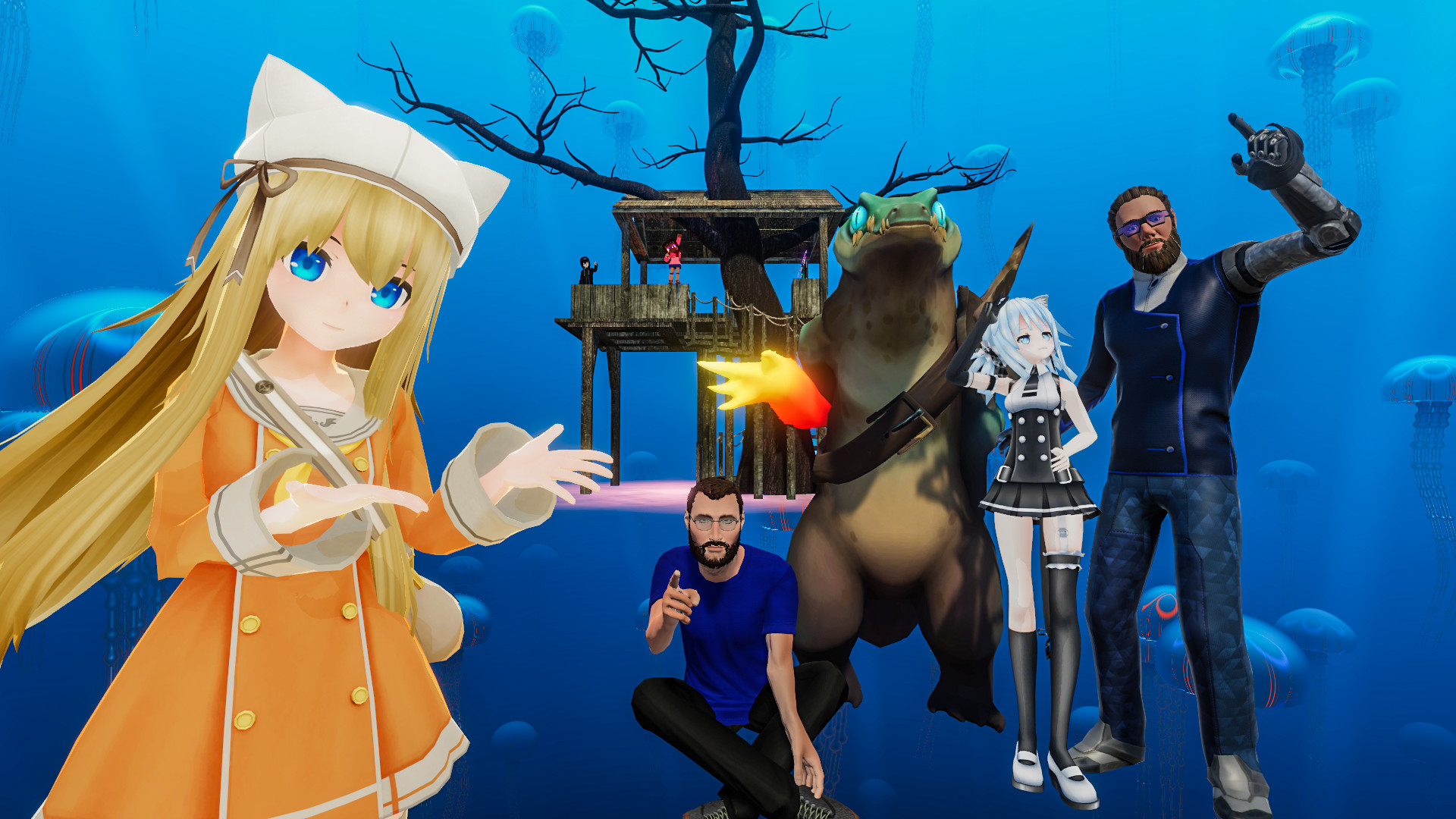
Avatar expression is at the core of the platform: users can design and upload custom 3D models equipped with custom cloth physics, facial shape keys, contact receivers, and audio-reactive shaders. Full-Body Tracking (FBT) allows dancers and performers to translate real-world hip, knee, and foot movement into virtual reality with pinpoint fidelity.
Verified platform editions and hardware requirements
Compare how VRChat performs across standalone headsets, Windows PCVR, and console virtual reality hardware:
- Hardware: Valve Index, Steam Frame, Quest Link, HTC Vive.
- Visuals: Dynamic volumetric lighting, tessellation, and complex shaders.
- Avatars: Access to all high-poly PC-exclusive avatars and worlds.
Key mechanics, game modes, and progression systems
What distinguishes VRChat in virtual reality is its thoughtful exploitation of spatial 6DoF motion controls and immersion:
- User-Generated Worlds & SDK3: Tens of thousands of active community spaces spanning puzzle games, escape rooms, flight simulators, and lounges.
- Full-Body Tracking & OSC Support: Sync Vive Trackers, SlimeVR, or mocap suits to animate your entire physical skeleton in real time.
- Spatial 3D Audio & Falloff: Conversations feel natural with direction-accurate spatial acoustic positioning and whisper distances.
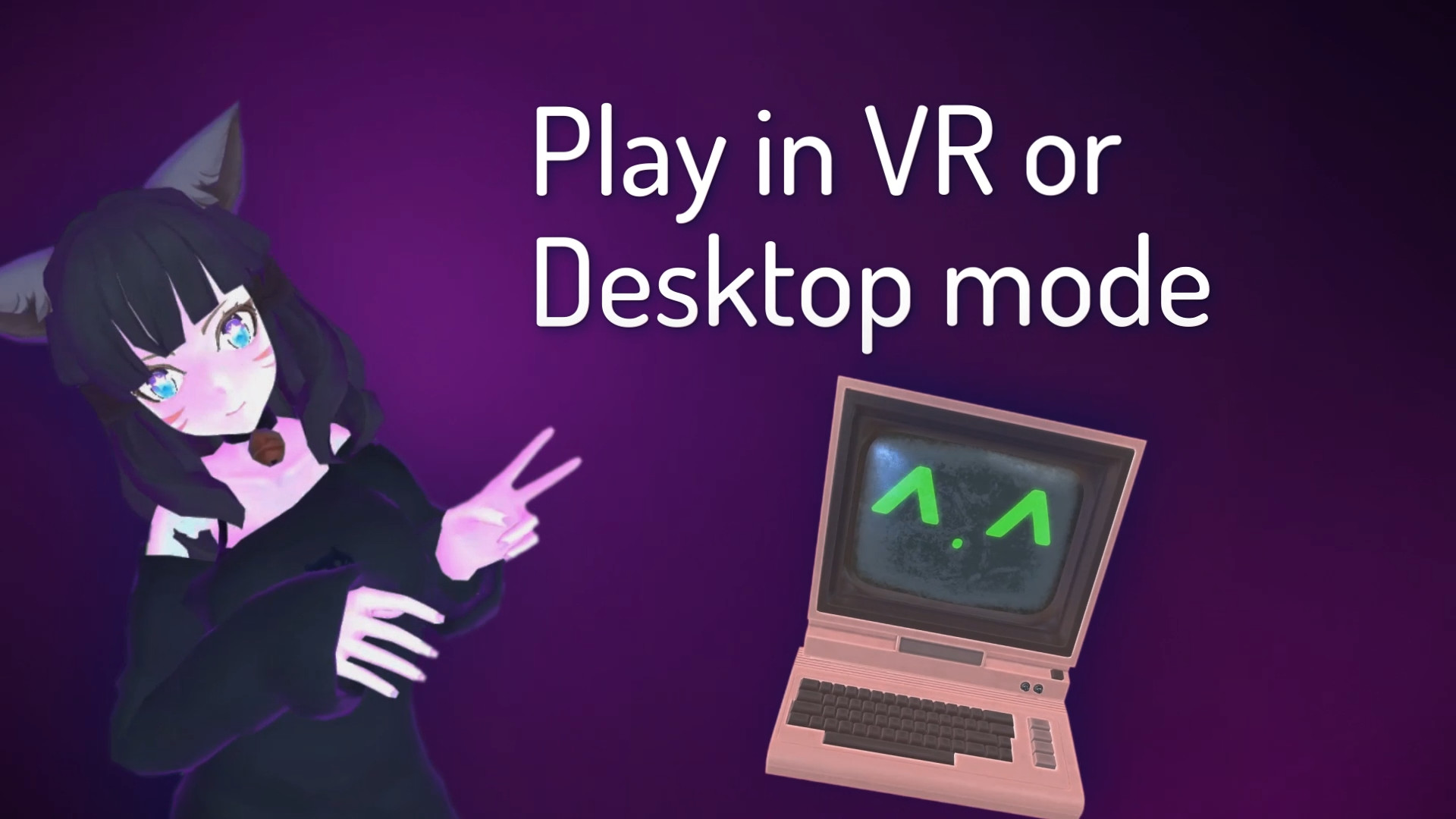
- Cross-Platform Community Lobbies: Meet friends across Meta Quest standalone, Windows PCVR, and desktop PC modes simultaneously.
Motion comfort, locomotion settings, and play space safety
Configuring your play space and comfort options ensures smooth, nausea-free immersion during extended sessions:
- Holoport & Teleport Available: Comprehensive comfort settings allow playing with zero motion sickness.
- Safety & Shield Levels: Customizable safety matrices let you block unoptimized particle effects and loud audio on demand.
- Performance Avatar Limiting: Set maximum avatar download sizes to prevent VRAM spikes in crowded instances.
Official PC system requirements (SteamVR / PC VR)
| Component | Minimum System Specs | Recommended for Crowded Worlds |
|---|---|---|
| OS | Windows 10 (64-bit) | Windows 10 / 11 (64-bit) |
| CPU | Intel Core i5-4590 / AMD FX 8350 | Intel Core i7-13700K / AMD Ryzen 7 7800X3D (High Cache) |
| RAM | 8 GB System RAM | 32 GB Dual-Channel RAM (Crucial for heavy lobbies) |
| GPU | NVIDIA GTX 1060 (6GB) / AMD RX 580 | NVIDIA RTX 3080 / RTX 4070 Ti / AMD RX 7900 XT (12GB+ VRAM) |
| Storage | 2 GB base (up to 50GB cache) | Fast NVMe SSD |
Authoritative sources and store listings
- Steam Store: VRChat: Official SteamVR free-to-play listing and patch notes.
- Meta Horizon Store: VRChat: Official Meta Quest store listing and ratings.