
No Man's Sky VR
Explore an endless procedural galaxy in full virtual reality: seamlessly fly starships using physical cockpit flight sticks, mine alien landscapes with hand-held multi-tools, and build colossal planetary bases.
 VR EDITION
What kind of game is No Man's Sky?
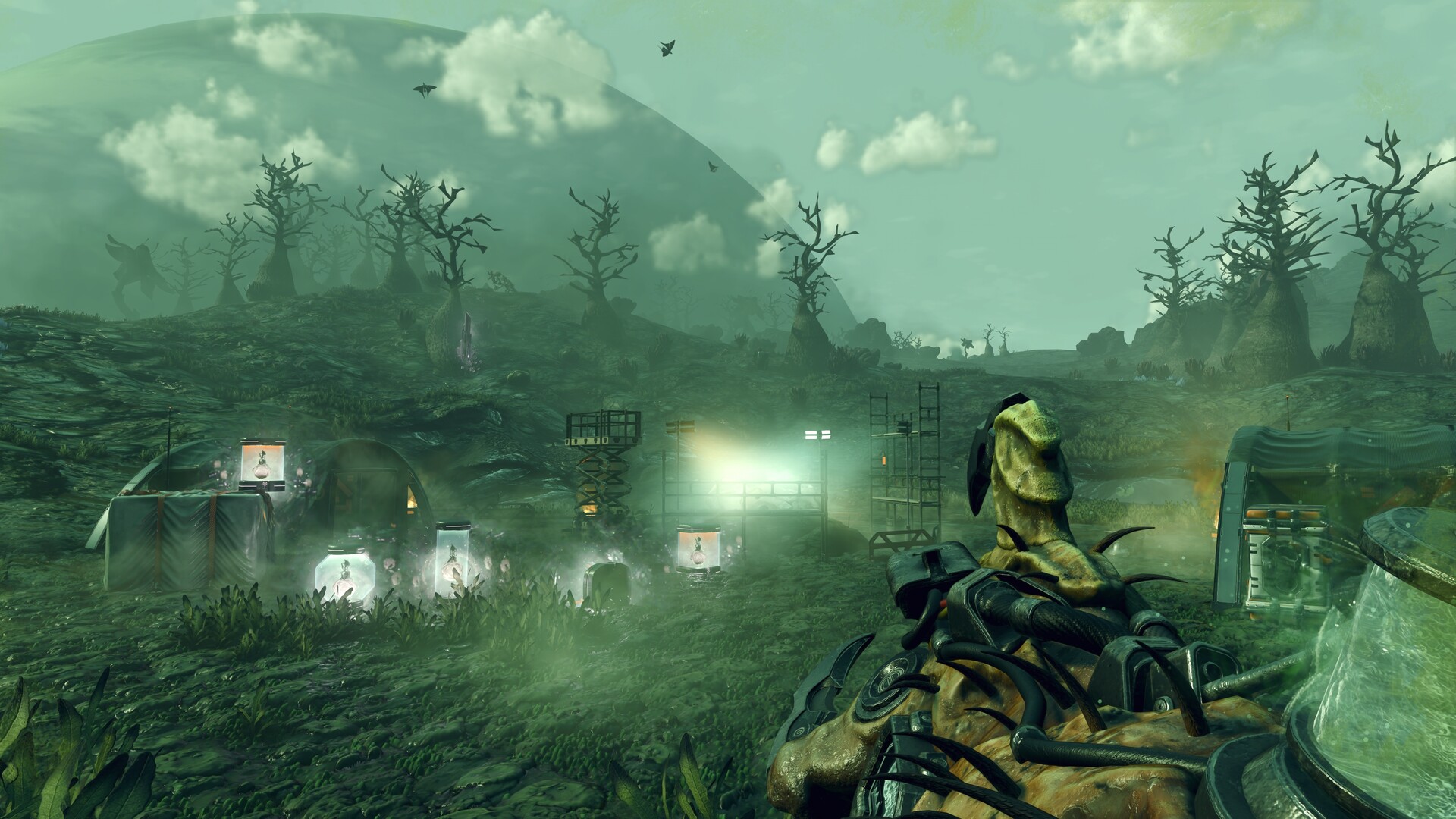
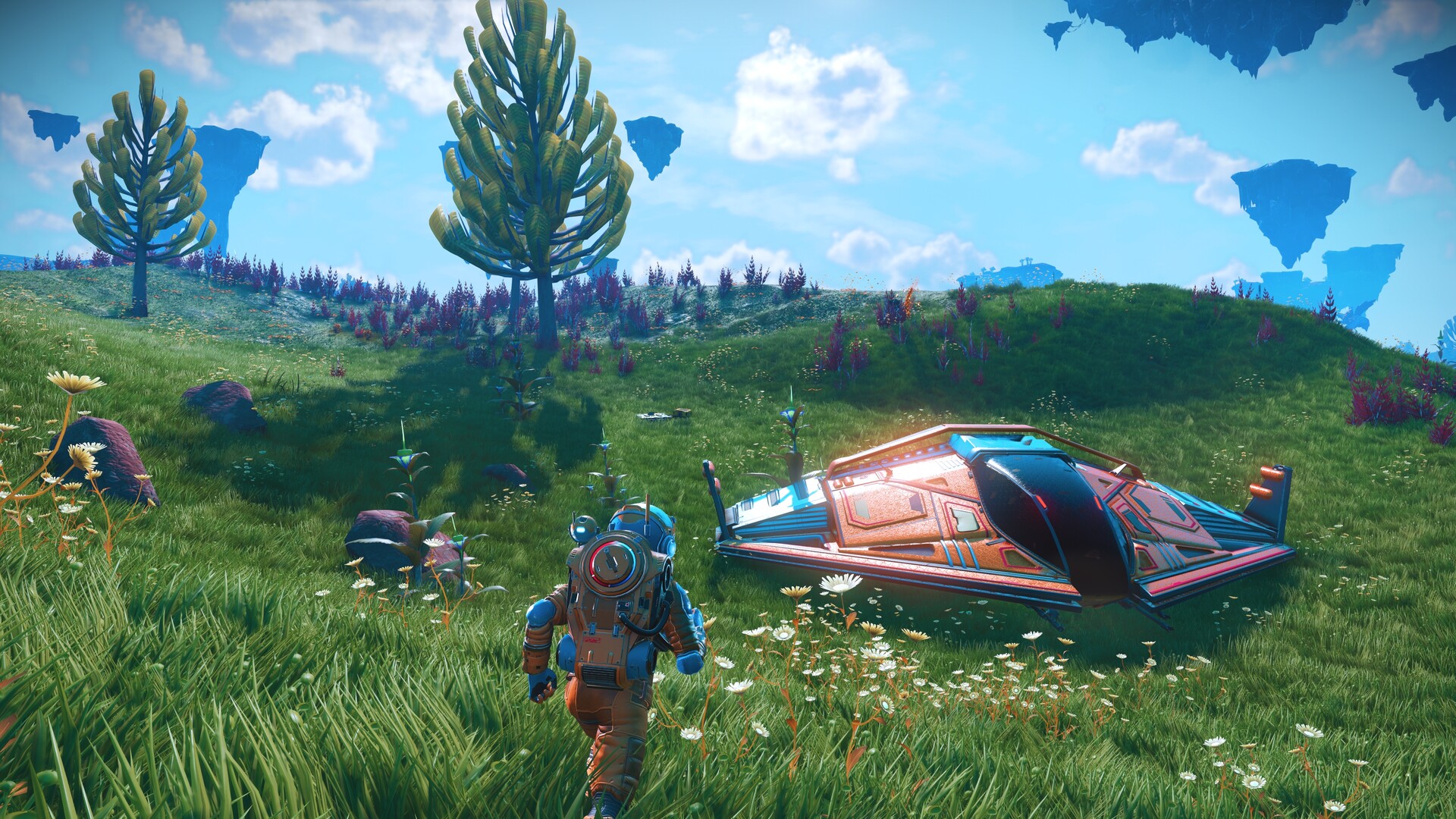
No Man's Sky in virtual reality delivers pure science-fiction wish fulfillment. Step out of your spacecraft onto an undiscovered alien world, point your analysis visor to scan strange flora and fauna, and physically fire mining lasers into crystalline deposits with your own hands.
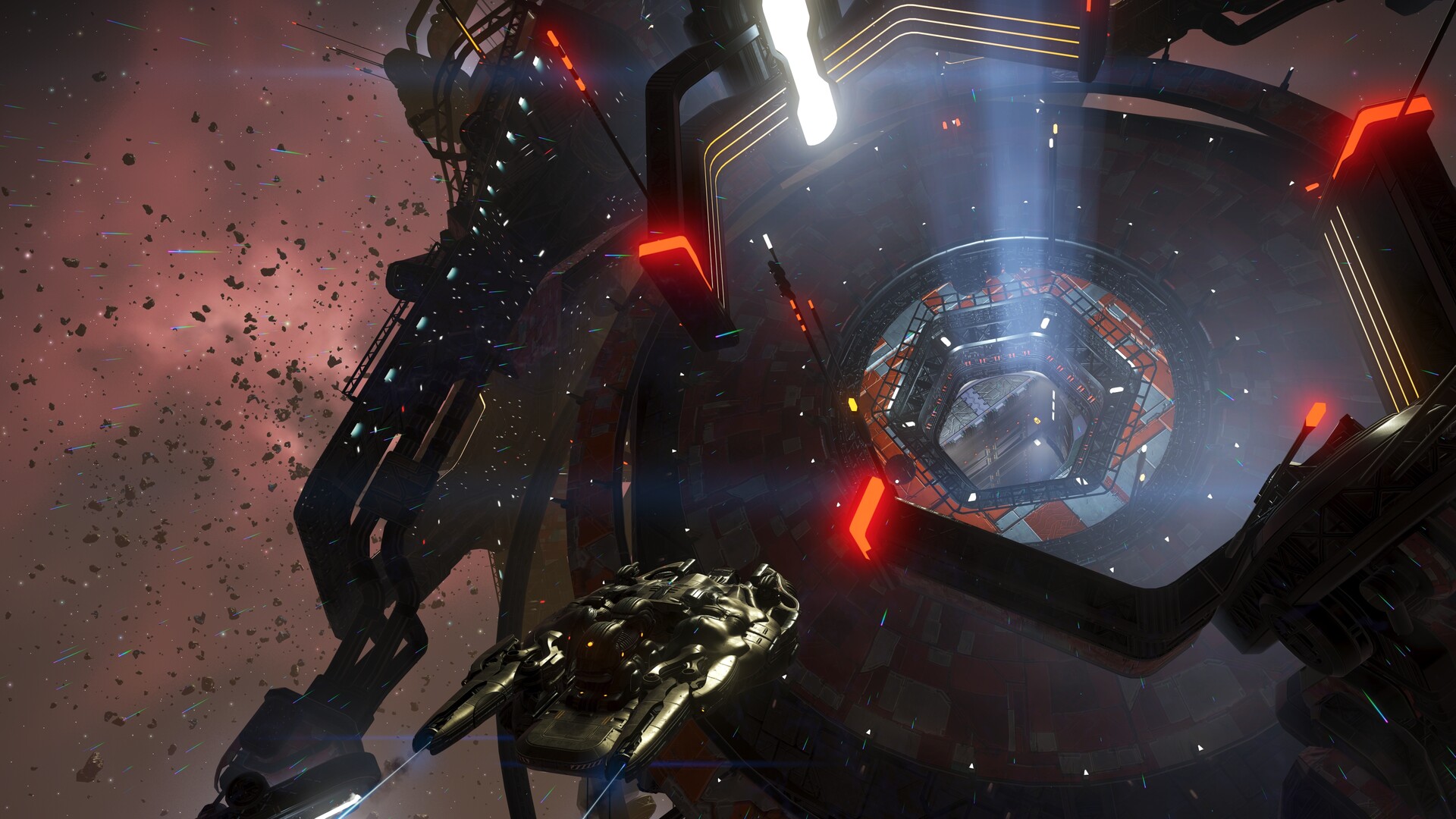
Piloting starships is entirely tactile: grab the throttle with your left hand, grasp the flight stick with your right hand, and pull back on the canopy lever to seal yourself in before blasting through the upper atmosphere into deep orbital space.
Verified platform editions and hardware requirements
Compare how No Man's Sky performs across standalone headsets, Windows PCVR, and console virtual reality hardware:
- Hardware: Valve Index, Steam Frame, Meta Quest Link/Air Link, PSVR2 + PC.
- Visuals: DLSS 3 / FSR upscaling, ultra draw distances, and lush vegetation density.
- Crossplay: 100% full multiplayer with console and PC non-VR players.
- Hardware: PlayStation 5 + PSVR2.
- Technology: Eye-tracked foveated rendering delivering crisp 4K HDR imagery.
- Haptics: Headset rumble and DualSense Sense adaptive triggers.
Key mechanics, game modes, and progression systems
What distinguishes No Man's Sky in virtual reality is its thoughtful exploitation of spatial 6DoF motion controls and immersion:
- Physical Cockpit Flight Controls: Reach out to grip flight sticks and throttle levers for responsive, intuitive space flight and warp jumps.
- Wrist-Mounted Multitool Holograms: Tap your virtual left wrist to switch between terrain manipulator, mining beam, and scatter blaster modes.
- Seamless Space-to-Planet Transitions: Fly from low orbit directly down to mountain peaks without a single loading screen.
- Colossal Planetary Base Building: Construct multi-story planetary bases, underwater labs, and orbital outposts with 3D snapping.
Motion comfort, locomotion settings, and play space safety
Configuring your play space and comfort options ensures smooth, nausea-free immersion during extended sessions:
- Flight Sensitivity Tuning: Adjust virtual flight stick deadzones in settings to avoid over-correcting during aerial combat.
- Locomotion Options: Choose between smooth thumbstick running or point-and-click teleportation.
- Cockpit Blind Options: Enable cockpit vignette narrowing during fast atmospheric re-entry.
Official PC system requirements (SteamVR / PC VR)
| Component | Minimum System Specs | Recommended for Smooth 90Hz VR |
|---|---|---|
| OS | Windows 10 (64-bit) | Windows 10 / 11 (64-bit) |
| CPU | Intel Core i5-4460 / AMD FX-8350 | Intel Core i7-12700K / AMD Ryzen 7 5800X3D / 7800X3D |
| RAM | 8 GB System RAM | 16 GB – 32 GB RAM |
| GPU | NVIDIA GTX 1060 (6GB) / AMD RX 580 | NVIDIA RTX 3080 / RTX 4070 Ti / AMD RX 7900 XT |
| Storage | 15 GB available space | Fast NVMe SSD for seamless terrain generation |
Authoritative sources and store listings
- Steam Store: No Man's Sky: Official Steam release, free update archives, and system specs.