
VRHow / Games / STAR WARS™: Squadrons
STAR WARS™: Squadrons VR
Master the art of starfighter combat in the authentic piloting experience STAR WARS™: Squadrons. Feel the adrenaline of first-person multiplayer space dogfights alongside your squadron, and buckle up in a thrilling STAR WARS™ story.
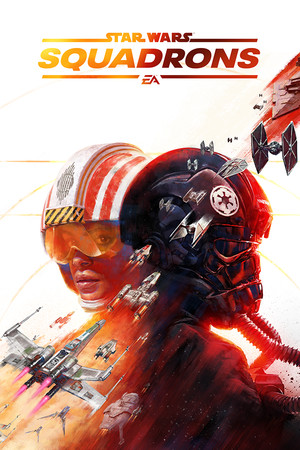 VR EDITION
What kind of game is STAR WARS™: Squadrons?
STAR WARS™: Squadrons delivers tense atmosphere, meticulous environmental interaction, and precision spatial presence. Every room inspection, weapon reload, and narrative beat takes full advantage of VR depth perception.
The rendering pipeline maintains high framerate stability across tethered and standalone hardware, ensuring responsive input and minimal motion discomfort.
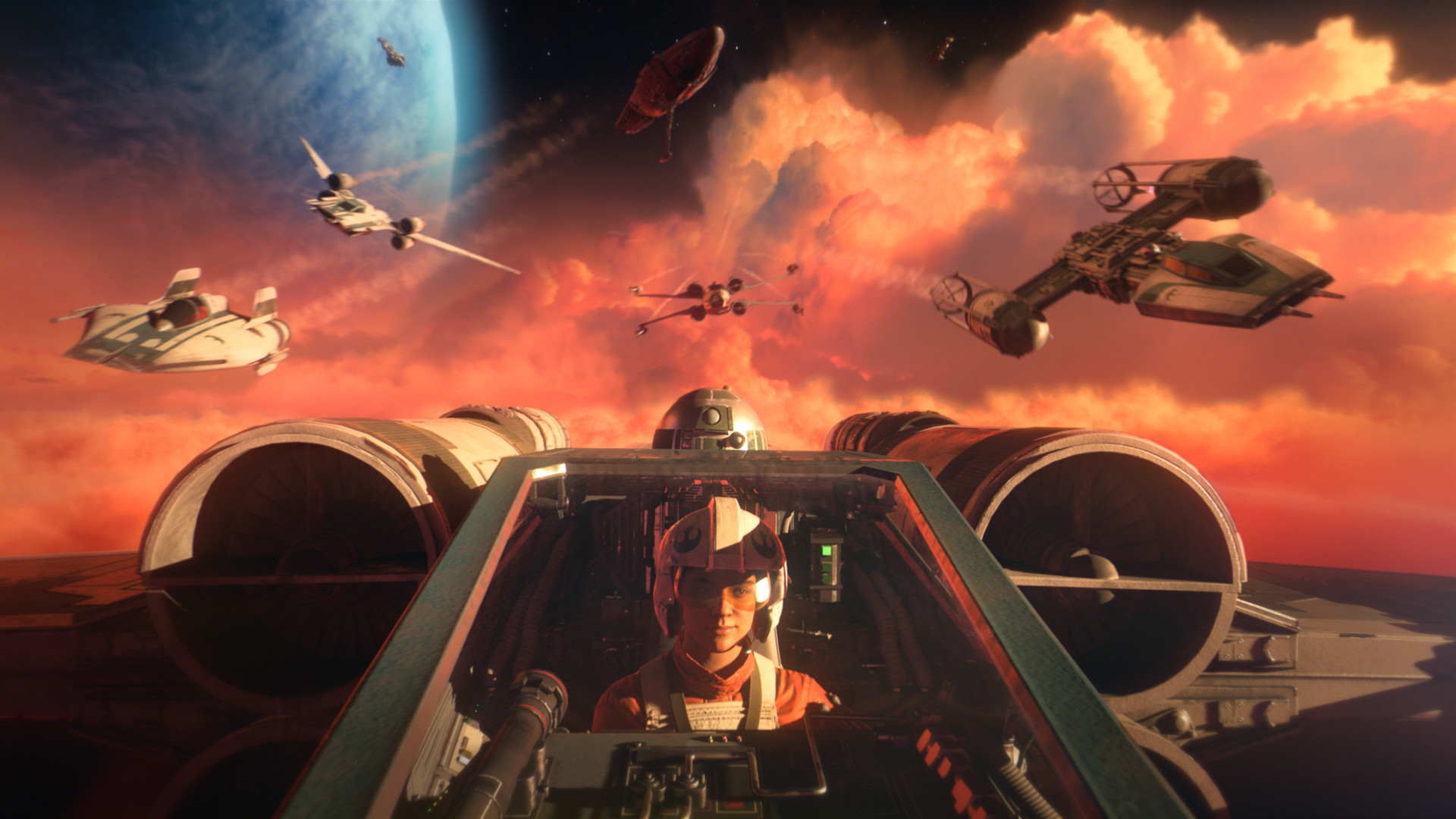
Verified platform editions and hardware requirements
Compare how STAR WARS™: Squadrons performs across standalone headsets, Windows PCVR, and console virtual reality hardware:
- Hardware: Valve Index, Quest Link, Bigscreen Beyond.
- Display: Uncompressed native supersampling and ultra-low latency.
- Tracking: Sub-millimeter SteamVR lighthouse base stations or inside-out.
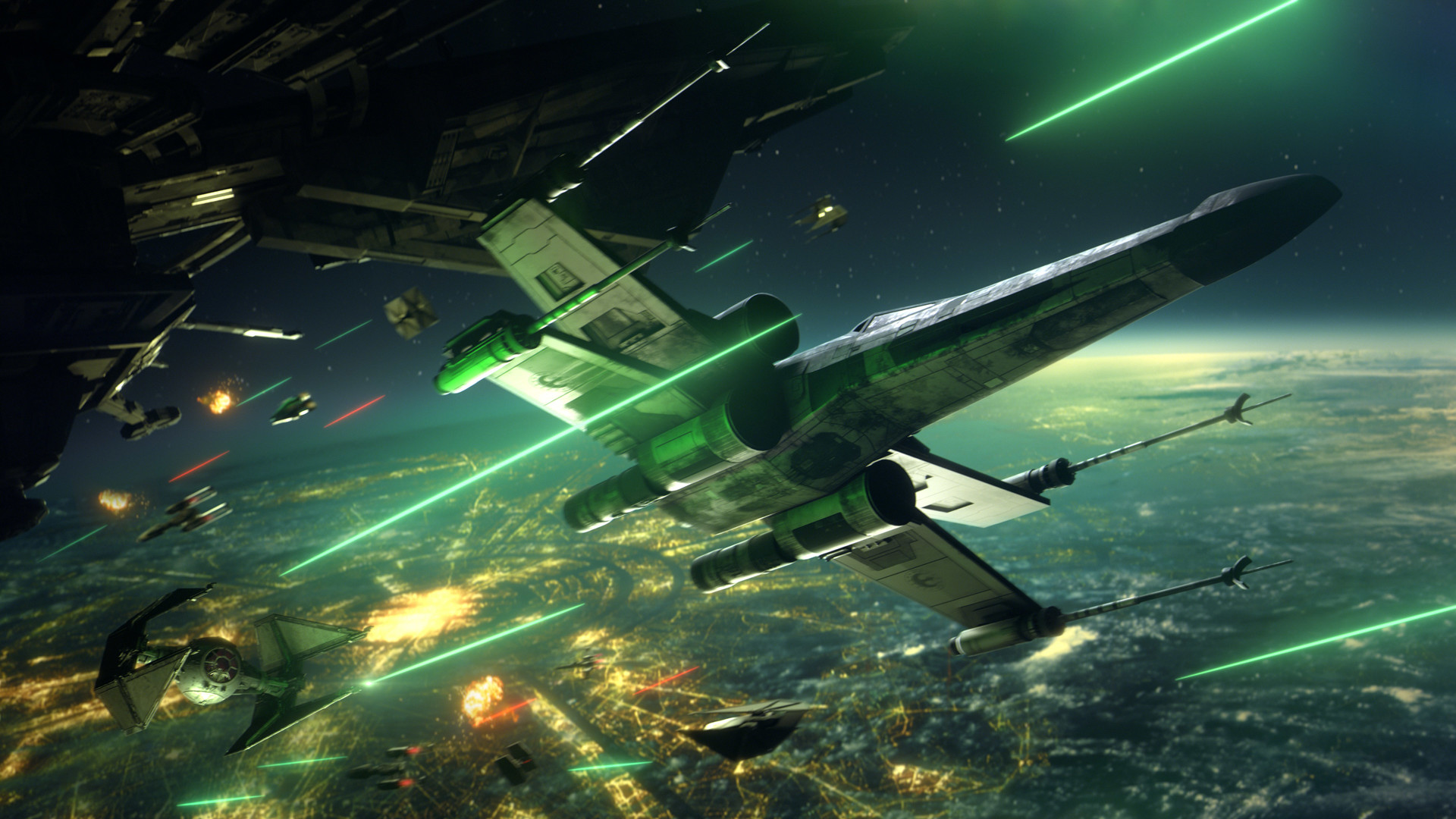
Key mechanics, game modes, and progression systems
What distinguishes STAR WARS™: Squadrons in virtual reality is its thoughtful exploitation of spatial 6DoF motion controls and immersion:
- Physical Environmental Interaction: Pick up, manipulate, inspect, and holster in-game items directly with your physical hands.
- Tense Atmosphere & Spatial Audio: 3D directional audio places subtle footsteps, creaks, and environmental cues accurately around your ears.
- Tactile Haptic Feedback: Controller vibrations simulate weapon recoil, heartbeats, and environmental tremors.
- Custom Locomotion & Comfort: Full support for smooth locomotion, teleportation, snap turning, and vignetting comfort filters.
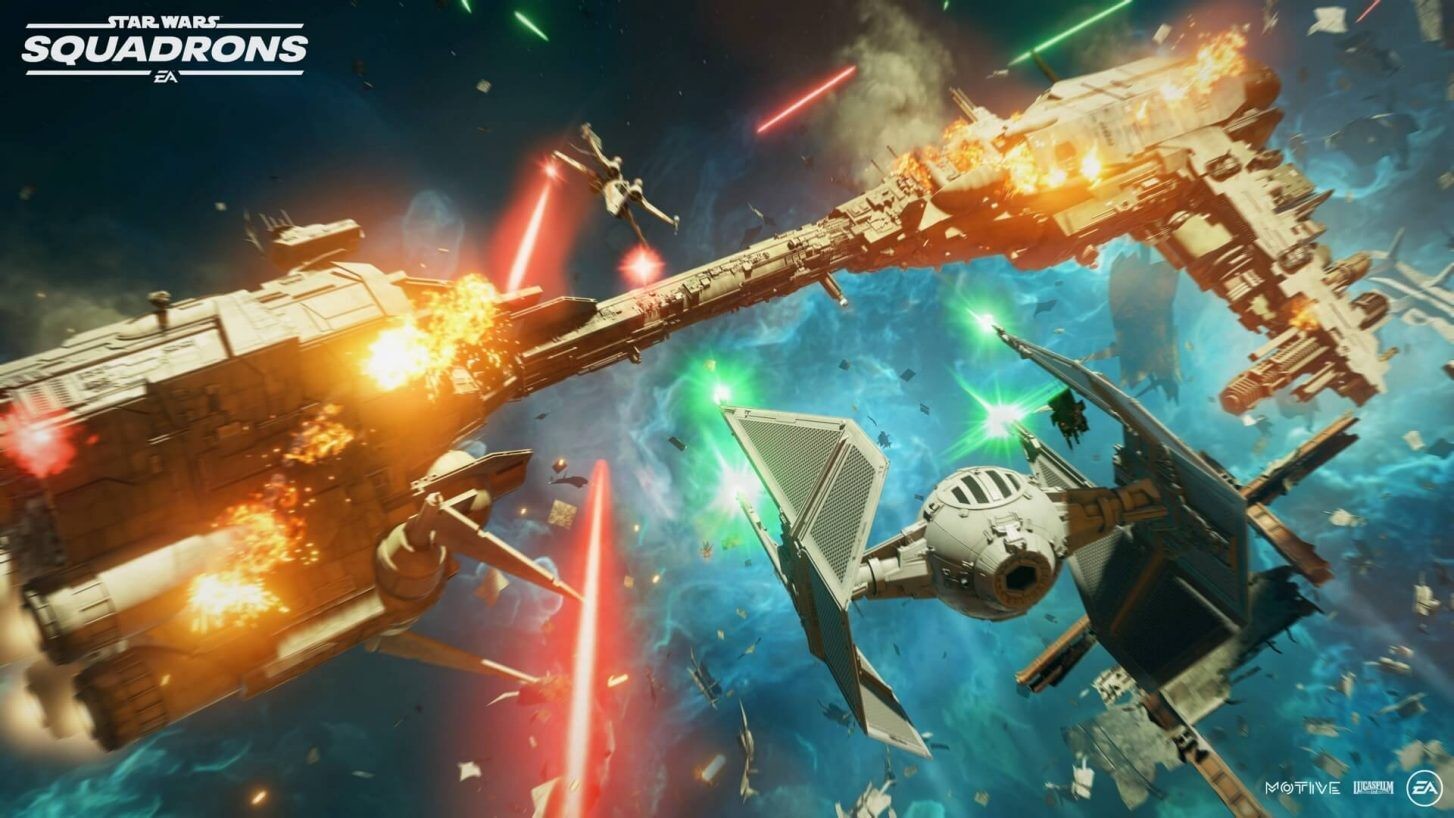
Motion comfort, locomotion settings, and play space safety
Configuring your play space and comfort options ensures smooth, nausea-free immersion during extended sessions:
- Locomotion Tuning: Adjust movement speed and snap turn angle in the comfort options to match your VR tolerance.
- Audio Calibration: Use over-ear headphones or high-quality off-ear speakers for maximum 3D audio immersion.
- Play Boundary: Maintain a safe buffer zone from real-world walls when navigating high-tension environments.
Official PC system requirements (SteamVR / PC VR)
| Component | Minimum Specification | Recommended VR Target (90Hz+) |
|---|---|---|
| Operating System (OS) | Windows 10 64-bit | Windows 10 / 11 (64-bit) |
| Processor (CPU) | Ryzen 3 1300X or better/i5 6600k or better | Intel Core i7-10700K / AMD Ryzen 7 5700X+ |
| System Memory (RAM) | 8 GB RAM | 16 GB – 32 GB Dual-Channel RAM |
| Graphics Card (GPU) | Radeon HD 7850 or better/GeForce GTX 660 or better | NVIDIA RTX 3060 / RTX 4060 / AMD RX 6700 XT+ |
| DirectX API | Version 11 | DirectX Version 11 / 12 |
| Storage Space | 40 GB available space | High-Speed NVMe SSD |
| VR Headset Support | SteamVR. Keyboard or gamepad required | SteamVR / Meta Quest Link / Virtual Desktop / PSVR2 |
| Network / Connection | Broadband Internet connection | Gigabit Ethernet / Wi-Fi 6 (for wireless PC VR) |
Authoritative sources and store listings
- Steam Store: STAR WARS™: Squadrons: Official SteamVR product listing and system requirements.